
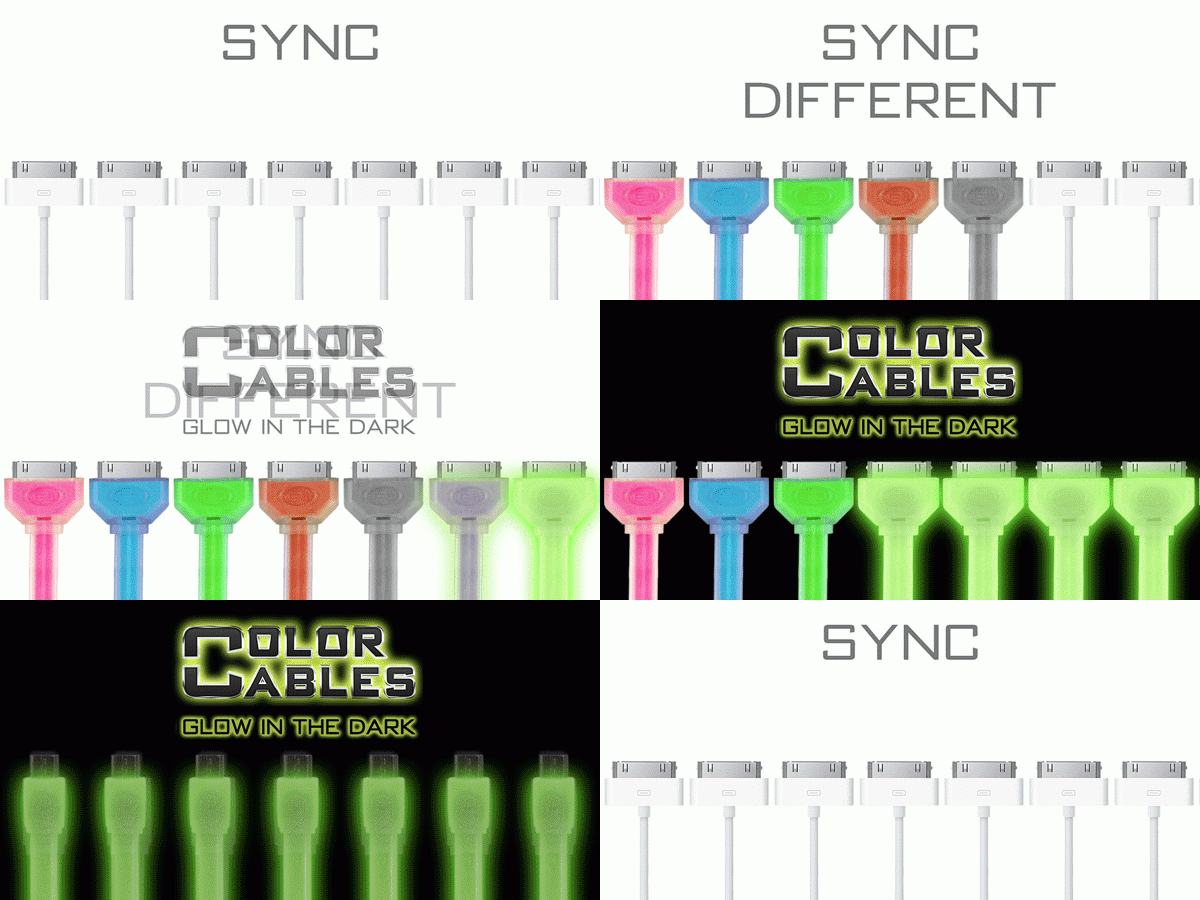
 Welcome to the easiest review I’ve ever done: Color Cables are AWESOME (The End!). Okay, there’s a bit more to write about, but the direct and simple nature of this cool, colorful luminous charge and sync cable makes this one a no-brainer replacement for any OEM charge cables thanks to a few fine features. Available in seven colors with 30-Pin, Lightning and Micro USB options with two length choices (3 or 6 feet, $15 and $20 respectively), Your iOS, Android or Windows phone or device gets a superior cable that’s well worth the price point.
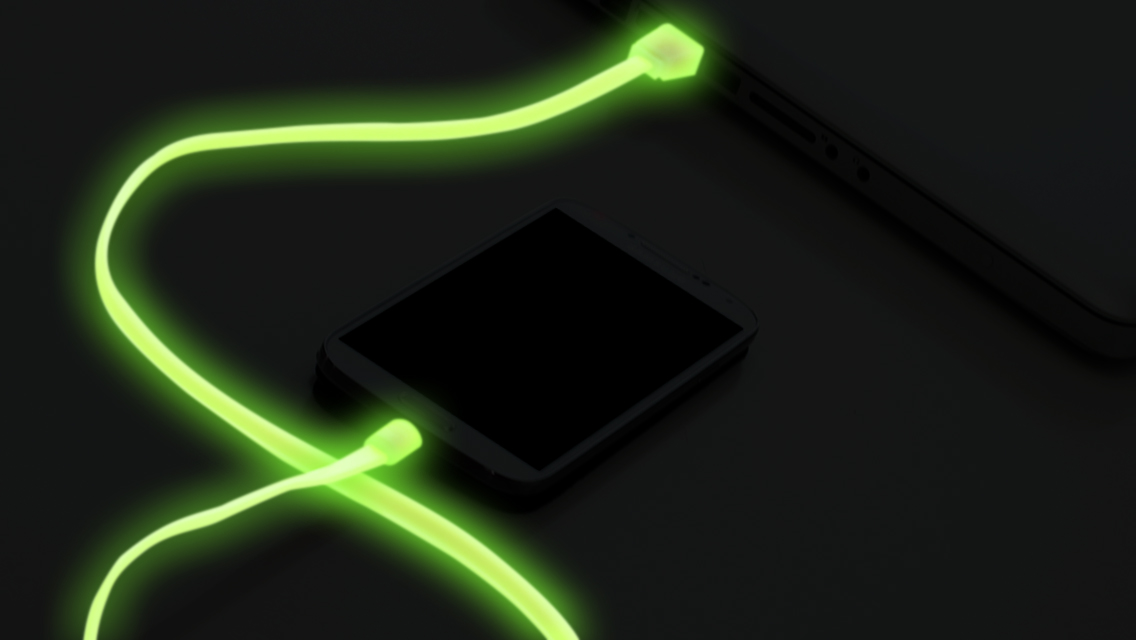 As the cables are flat and extremely well made, they don’t tangle up while in your bag of choice and solid connections on both ends mean you’re not likely to see any splitting or fraying form general wear. The cool factor comes from the distinctive luminosity on display and yes, it’s pretty nifty to let your cable sit in the sun or under a light for a bit during the day and have them giving of that soft glow in the evening or night. If you grew up with stars on your walls and ceiling or had some toys that gave off that familiar greenish color, you’ll get a grin going every time you use your cable.
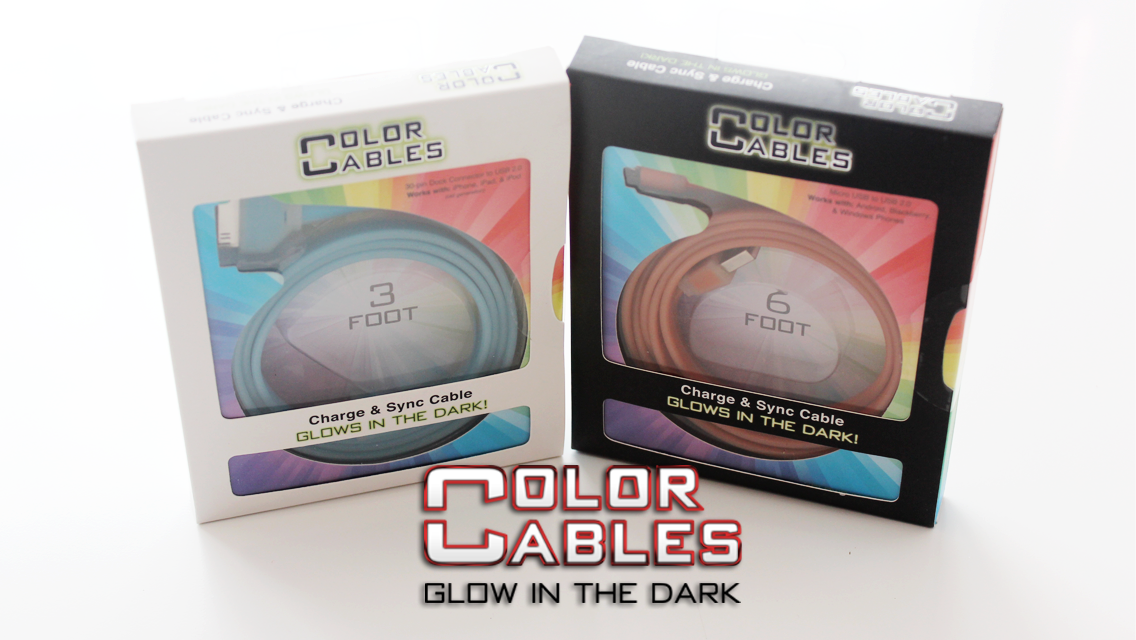 Sure, there are similar colored cables out there for less that don’t have that funky glow thing going for them, but the smarter of you out there know you get what you pay for and often “cheap” refers to both price and quality. Color Cables are a nicer (and still affordable) solution that take care of a few problems as well as making for a great gift for that phone or device user you know who wants something to stand out from the crowd when they need a recharge at home or away.
– Greg Wilcox

 Throw a dead stuffed cat anywhere on the Internet and you’ll hit a gaming mouse review or recommendation. It’s a tough and packed market these days, what with big name companies getting their products out through big PC gaming tournaments worldwide, all sorts of promotions, pro review recommends and community board high fives pumping up interest in the best and often, most expensive mice you can buy. Then there’s A4Tech and their quiet storm of putting out some decently awesome peripherals and seeing what happens as folks like me try them out. Well, without a glowing trumpet or flaming flag in sight, I can safely report than the



 "DESTROY ALL FANBOYS!"