 Sure, there were plenty of cool and expensive tech products at this year’s CE Week, but this time out, I’ll scribble a bit about two of the more important ones you may want to look into picking up. Well, one is an absolute must if you use a PC or know someone who uses one and is always griping about things running slowly. The other is recommended if you’re looking for a home security system that’s affordable and allows you to keep an eye on your space even when you’re away. Let’s take a look at both below…
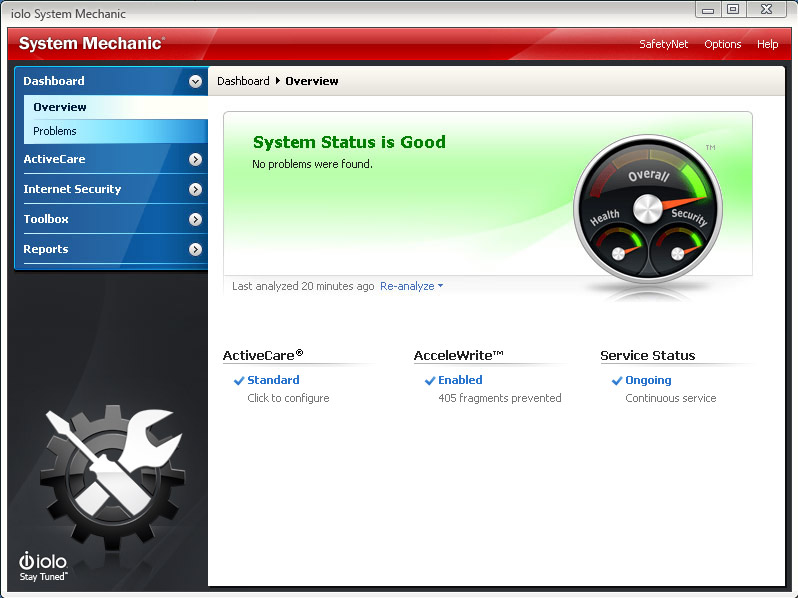
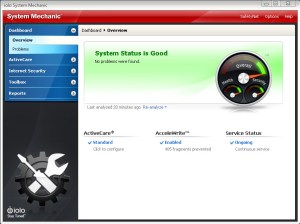 If you own a PC, you NEED iolo’s System Mechanic ($29.95) humming away on it, period. While it’s been around for 15 years, I’d actually never used it until I got a trial code at the show and decided to take it for a spin to see how well it worked. Less than a week after installing and firing it up, I was removing a few different programs that do what this one product does and I don’t think I’ll be going back anytime soon. Between the system start up being MUCH faster, the more thorough registry cleaning and a few other niceties, I’ve noticed things running a lot better overall.
Even better, the newest update enhances the LiveBoost technology for instant fixes when you fire up more system intensive programs (gamers, you absolutely can use this feature!) and lets you know what it’s doing as it happens. PowerSense™, Ultra Performance and Endurance Modes all keep your computer optimized and will actually help programs run better and with noticeable improvements over a system without SM installed. Of course, you’ll be too busy playing or creating to be paying attention to all that behind the scenes magic, but it’s great to know your PC is being protected and you can take a mostly hands-off approach to care other than checking in every so often to see what the program recommends you take a peek at. Anyway, I’ll shut up now and let you get to checking System Mechanic out – you can thank me later, of course… Continue reading →

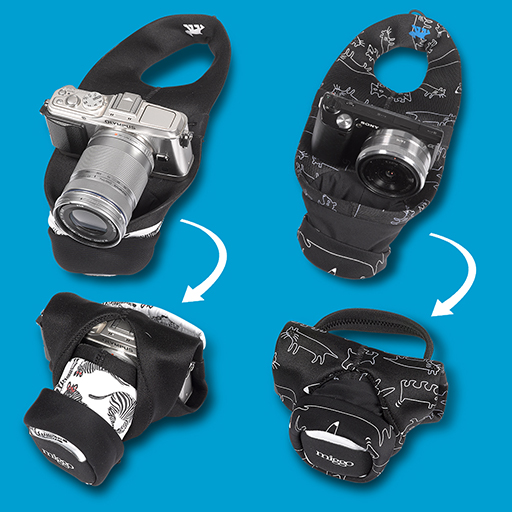

 Because I’m not a camera phone person, I sort of feel like a pariah when I see all those hip kids whipping out their phones, tablets and whatever else they have that they’ve overpaid for with a lens attached to it. granted, phone cameras HAVE indeed come a long way from their not so hot beginnings and yes, there are plenty of budding to pro shutterbugs that have taken many a classic shot with one of those things.


 "DESTROY ALL FANBOYS!"